


 Download(1.4MB)
 1.1.8
1.1.8
 954.24KB
 Version
1.9.0
Version
1.9.0
 Updated on
April 8, 2026
Updated on
April 8, 2026
 Category
Business Office
Category
Business Office
 Size
1.4MB
Size
1.4MB
9.2
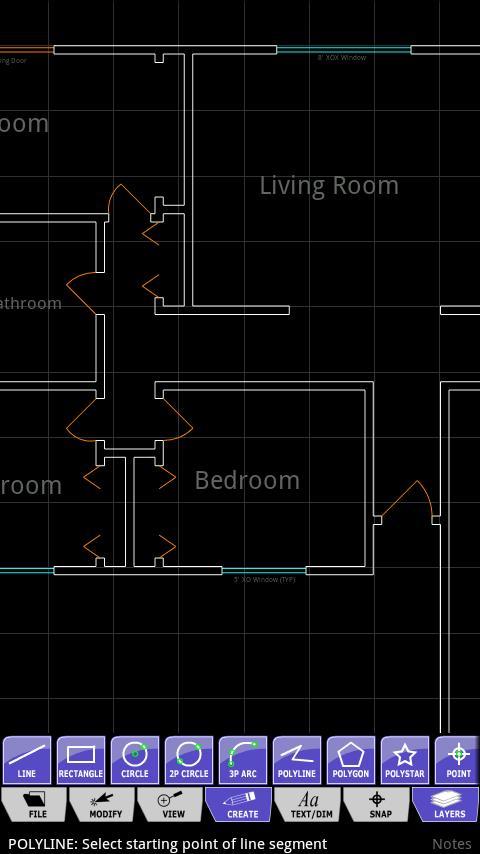
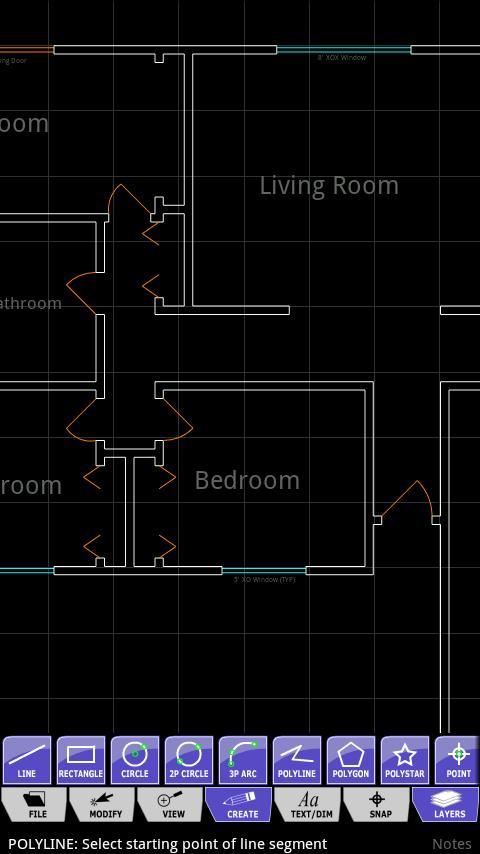
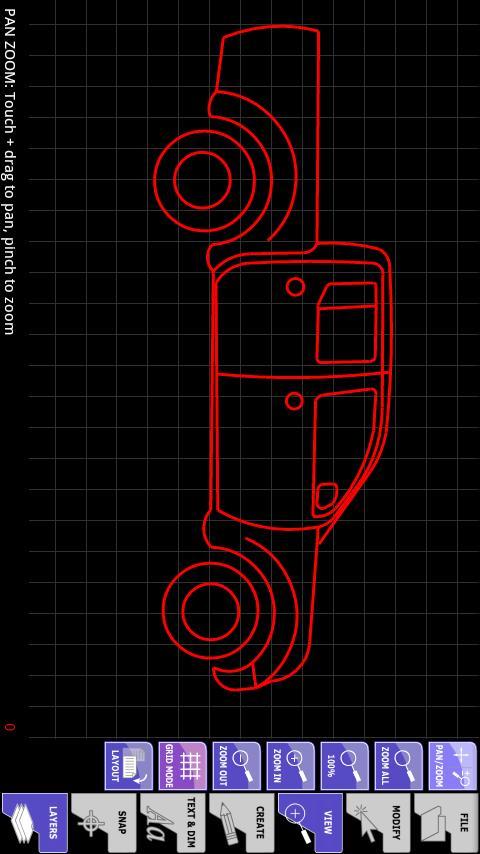
AndCAD is a full 2D CAD application for your mobile device. Supports DXF.
Development has restarted after the parent company regained ownership of AndCAD.
(September 26, 2016)
Minor updates in this build - Mainly to suit new company location and information.
Other updates:
Tools with "long press" options, have been marked with a red stripe to let you know that further options exist.
Tooltip created to reflect "long press" enabled tools.
Application modified to suit new Android Studio requirements.
For assistance using the application and it's tools, please download and install the integrated help file. It is located on the Play Store, and you can find it by following this link.
https://play.google.com/store/apps/details?id=net.talondesigns.andcad_help
AndCAD is a full 2D CAD application for Android. Create and edit drawings directly on your mobile device. You can now take CAD anywhere you need to go!
Key Features:
True Vector Objects
Object Snapping
Direct Unit Input
Full Layer Support
Image Underlay
AutoCAD® DXF Import/Export (beta)
Landscape (WS) & Portrait Mode
Tablet Support
Geometric Objects:
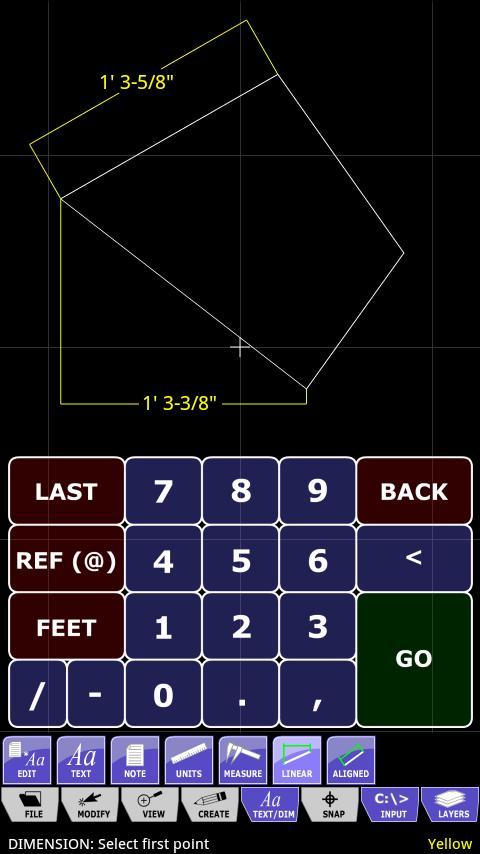
Line, Circle, Arc, Polyline, Polygon, PolyStar, Point, Text, Note, Linear Dimension, Aligned Dimension
Edit Tools:
Free Edit Mode, Move, Copy, Rotate, Scale, Break
Upcoming Features:
Additional Dimension Types
Block/Symbol Support
Trim
Extend
Mirror
Offset
Fillet
Chamfer
Demo Restrictions:
Save/Export Disabled
DXF Import limited to 100k file size.
PNG output only saves a portion of the screen
Otherwise everything works just as the paid version.
Contact:
Minor updates in this build - Mainly to suit new company location and information.
Other updates:
Tools with "long press" options, have been marked with a red stripe to let you know that further options exist.
Tooltip created to reflect "long press" enabled tools.
Application modified to suit new Android Studio requirements.
 Similarity
April 8, 2026
April 8, 2026
April 8, 2026
April 8, 2026

April 8, 2026
April 8, 2026

April 8, 2026
April 8, 2026

April 8, 2026

April 8, 2026

April 7, 2026
April 7, 2026