


 Download(190.38KB)
 1.2.5_11022025
 44.75MB
 Version
1.0
Version
1.0
 Updated on
December 29, 2025
Updated on
December 29, 2025
 Category
Practical Tools
Category
Practical Tools
 Size
190.38KB
Size
190.38KB
8.8
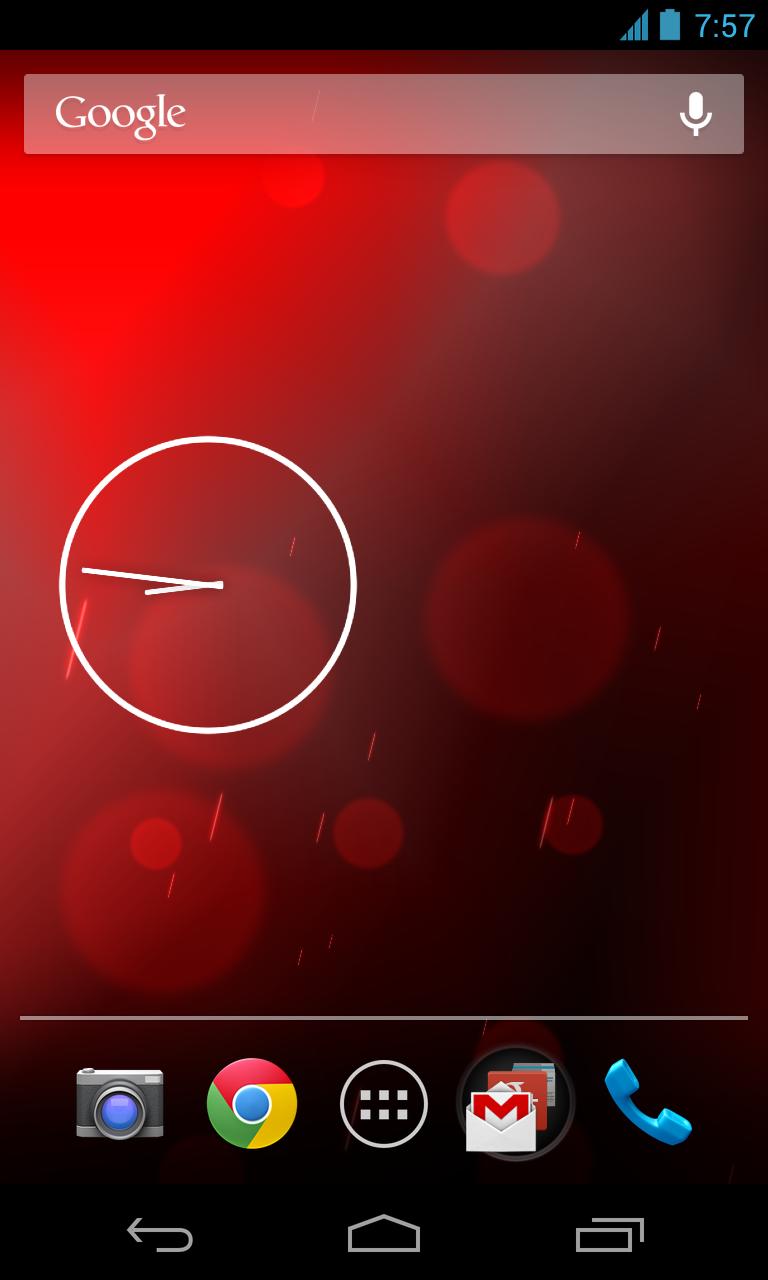
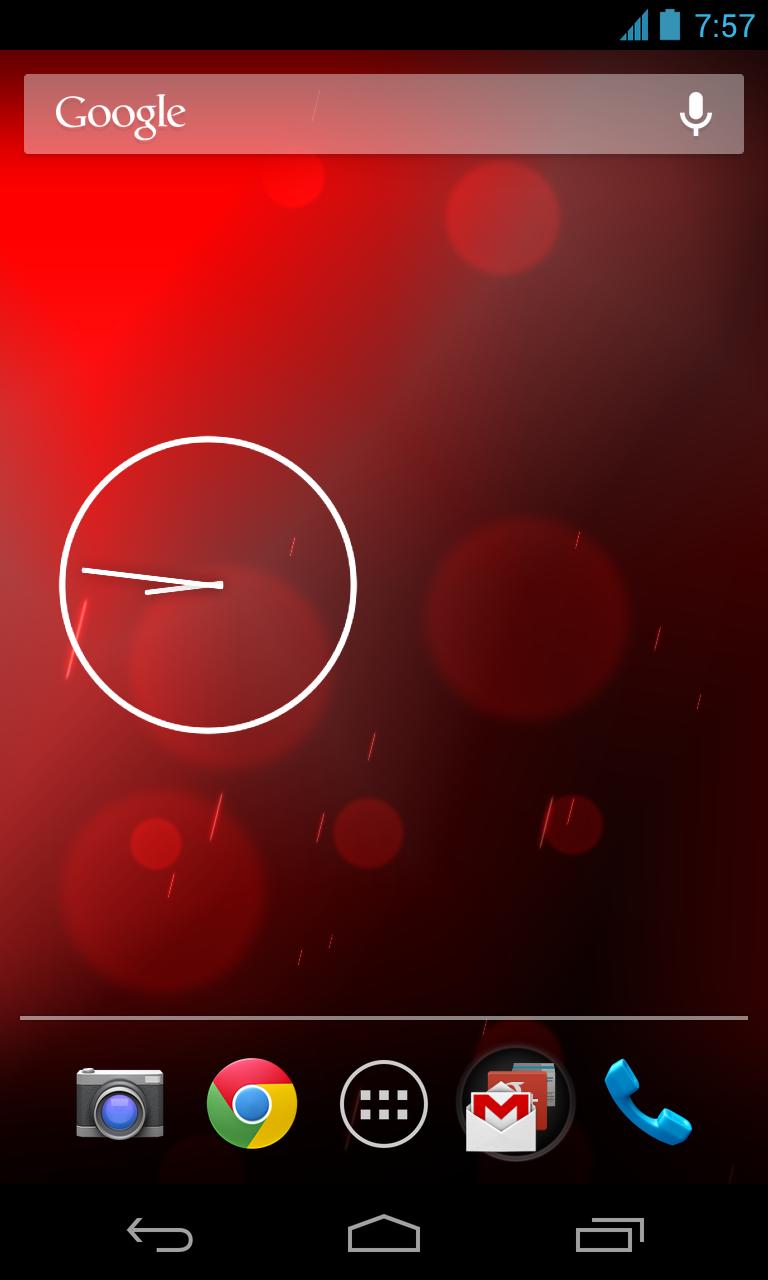
Customize your wallpaper with Phase Beam Live Wallpaper.
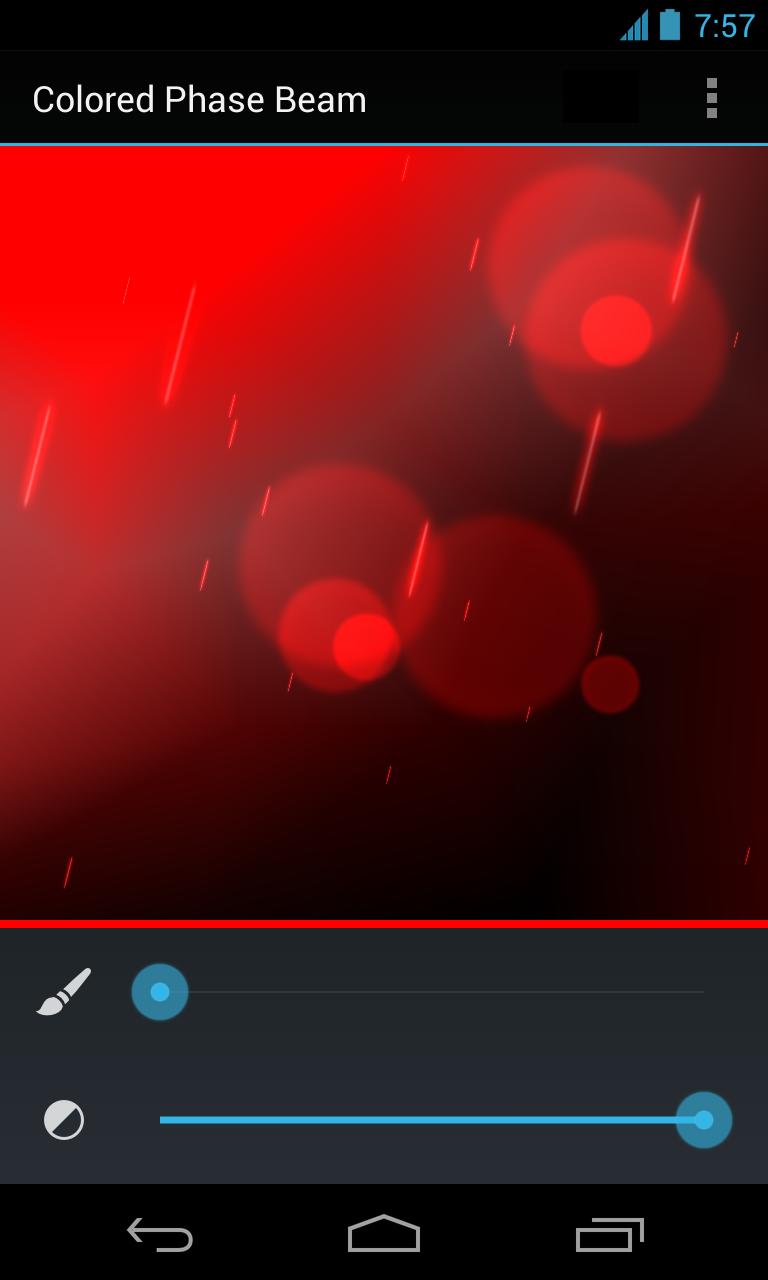
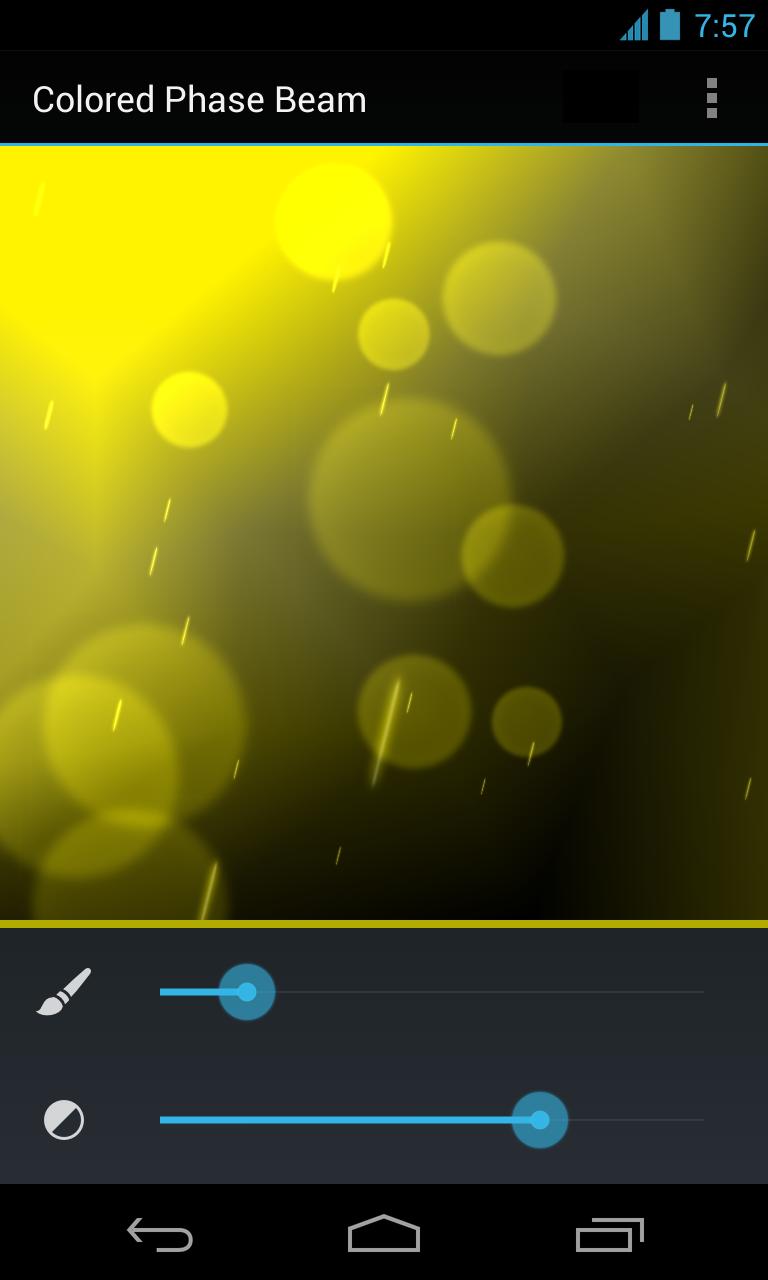
A live wallpaper based on the stock Android Phase Beam wallpaper. In addition to the original this live wallpaper allows you to change the colors.
Features:
- Customize the wallpaper color
- Customize the color intensity
- No Ads
In order to activate the wallpaper
1. Go to Android Settings -> Display -> Wallpaper -> Live Wallpaper
2. Select Color Beam
3. Now you see a preview how the wallpaper will look like
4. Either select "Set wallpaper" to use the wallpaper or "Settings..." to change the color
 Similarity
May 3, 2026

May 3, 2026
May 3, 2026
May 3, 2026

May 3, 2026
May 3, 2026

May 3, 2026
May 3, 2026

May 3, 2026

May 3, 2026
May 3, 2026
May 3, 2026