

 Download(2.06MB)
 1.10
1.10
 8.07MB
 Version
1
Version
1
 Updated on
November 27, 2025
Updated on
November 27, 2025
 Category
Practical Tools
Category
Practical Tools
 Size
2.06MB
Size
2.06MB
7.2
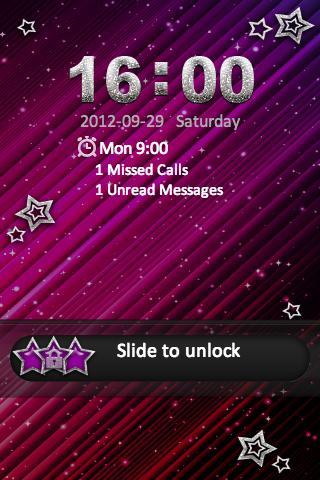
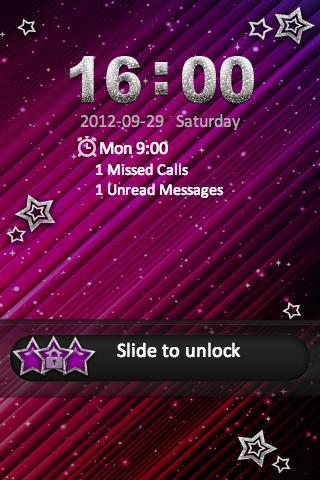
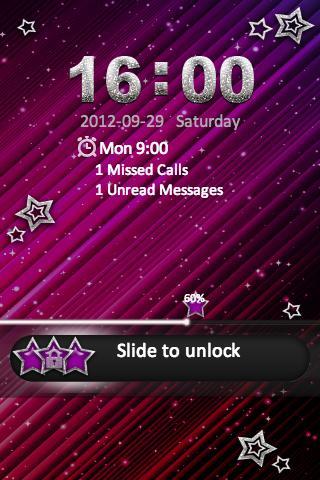
Sparkle Star Lockscreen for your smartphone!
Go Locker Sparkle Star Theme
Designed specifically for Go Launcher EX
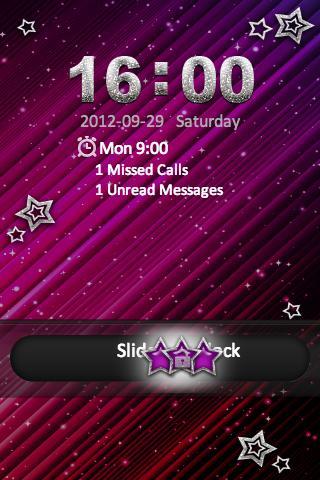
Sparkle Star Lockscreen for your smartphone! A sparkle background with shimmer glitter stars to accent your phone.
App Care:
1. Install Go Launcher EX v2.58 or above and Go Locker v1.0
2. To select Sparkle Star — Click on “Menu ~~~> Theme Settings
3. Select "Locker" at the top
4. Click on "Installed" and click on "Sparkle Star"
5. Click on "Apply"
Feedback: [email protected]
 Similarity
May 7, 2026
May 7, 2026
May 7, 2026
May 7, 2026

May 7, 2026
May 7, 2026
May 7, 2026
May 7, 2026
May 7, 2026
May 7, 2026
May 7, 2026
May 7, 2026