


 Download(158.45KB)
 1.11.58.play
 71.48MB
 Version
1.0
Version
1.0
 Updated on
May 15, 2025
Updated on
May 15, 2025
 Category
Practical Tools
Category
Practical Tools
 Size
158.45KB
Size
158.45KB
8.1
Padauk Unicode font
How to use.
*************
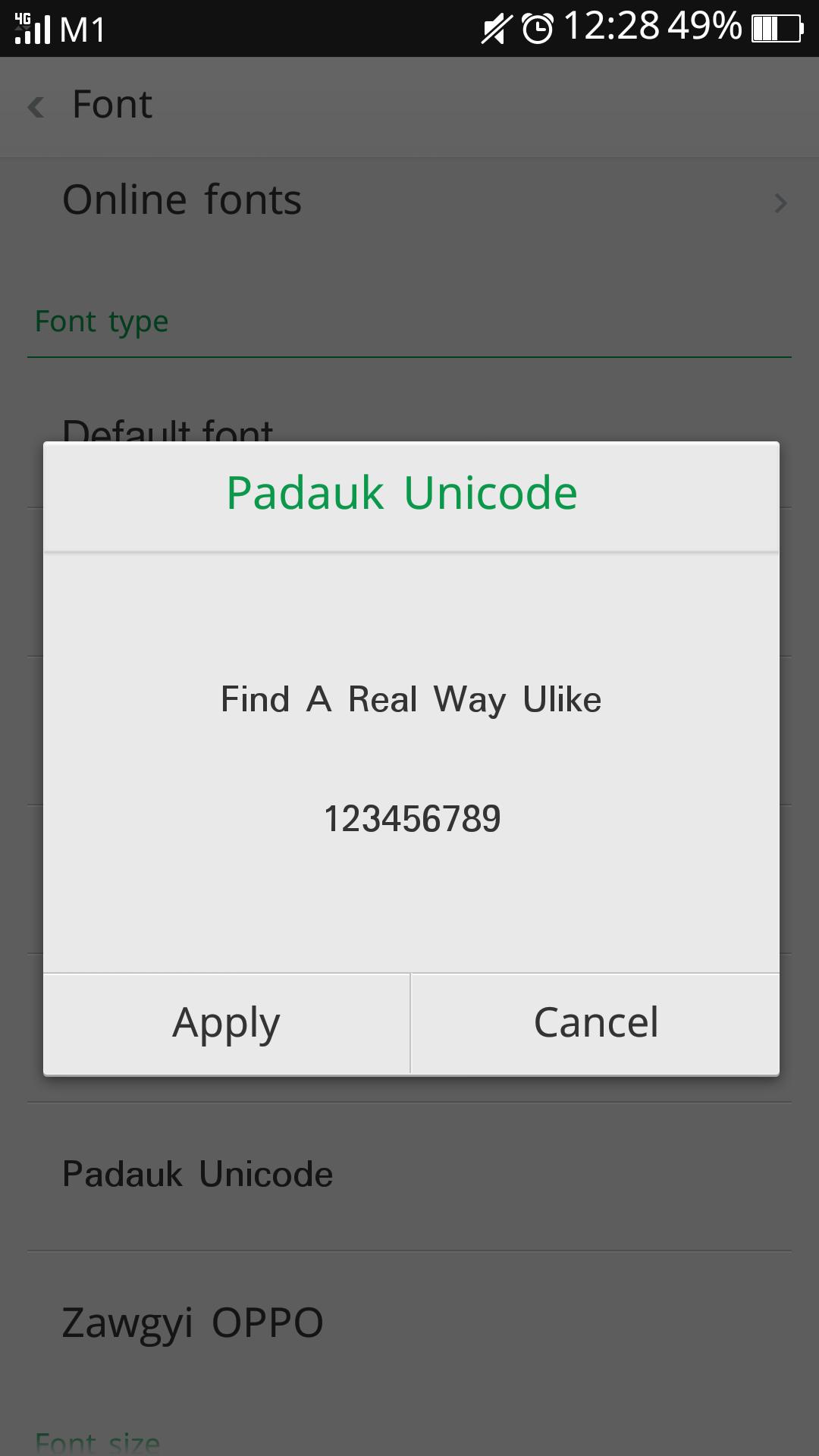
1. Install Padauk Unicode
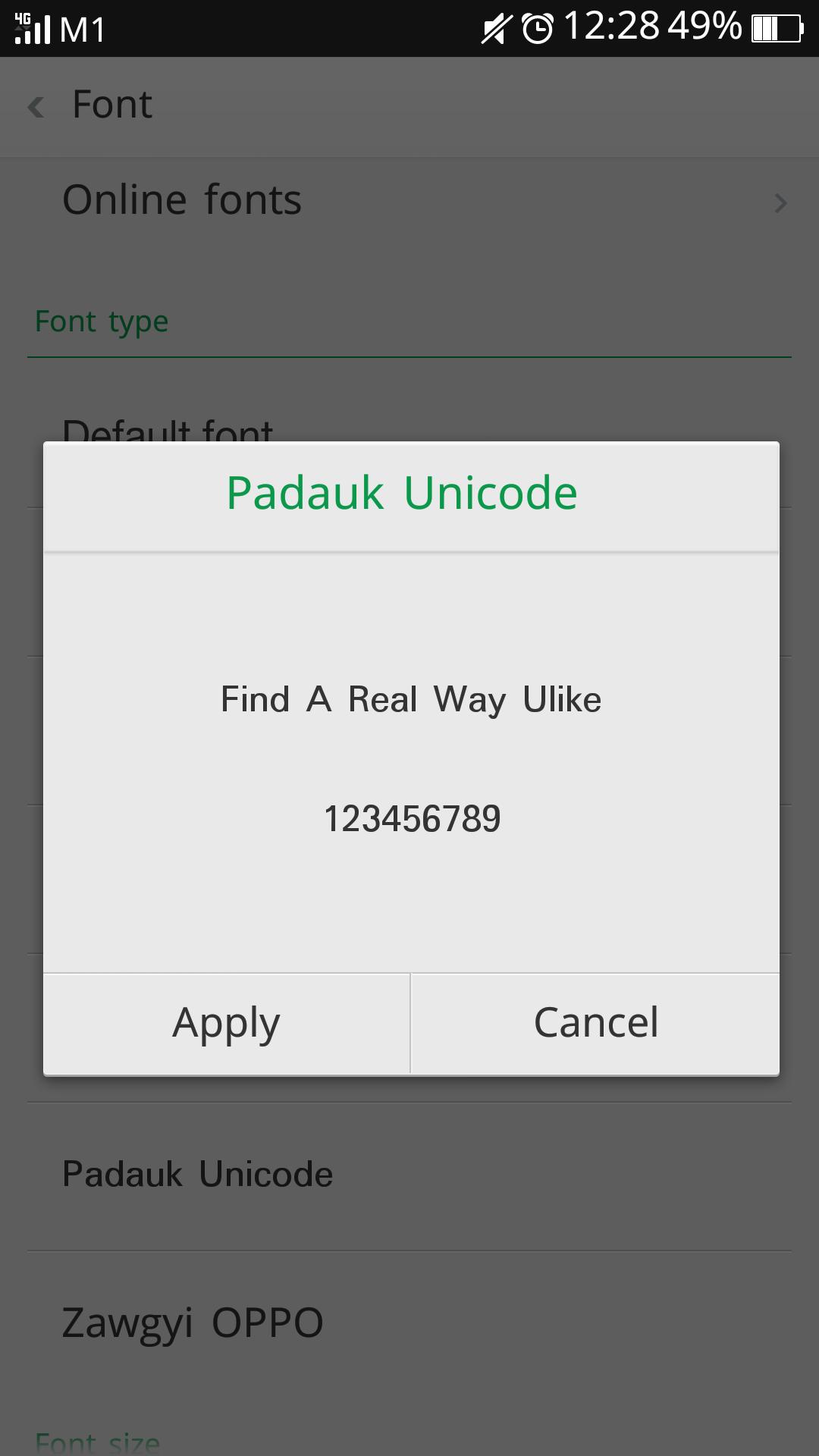
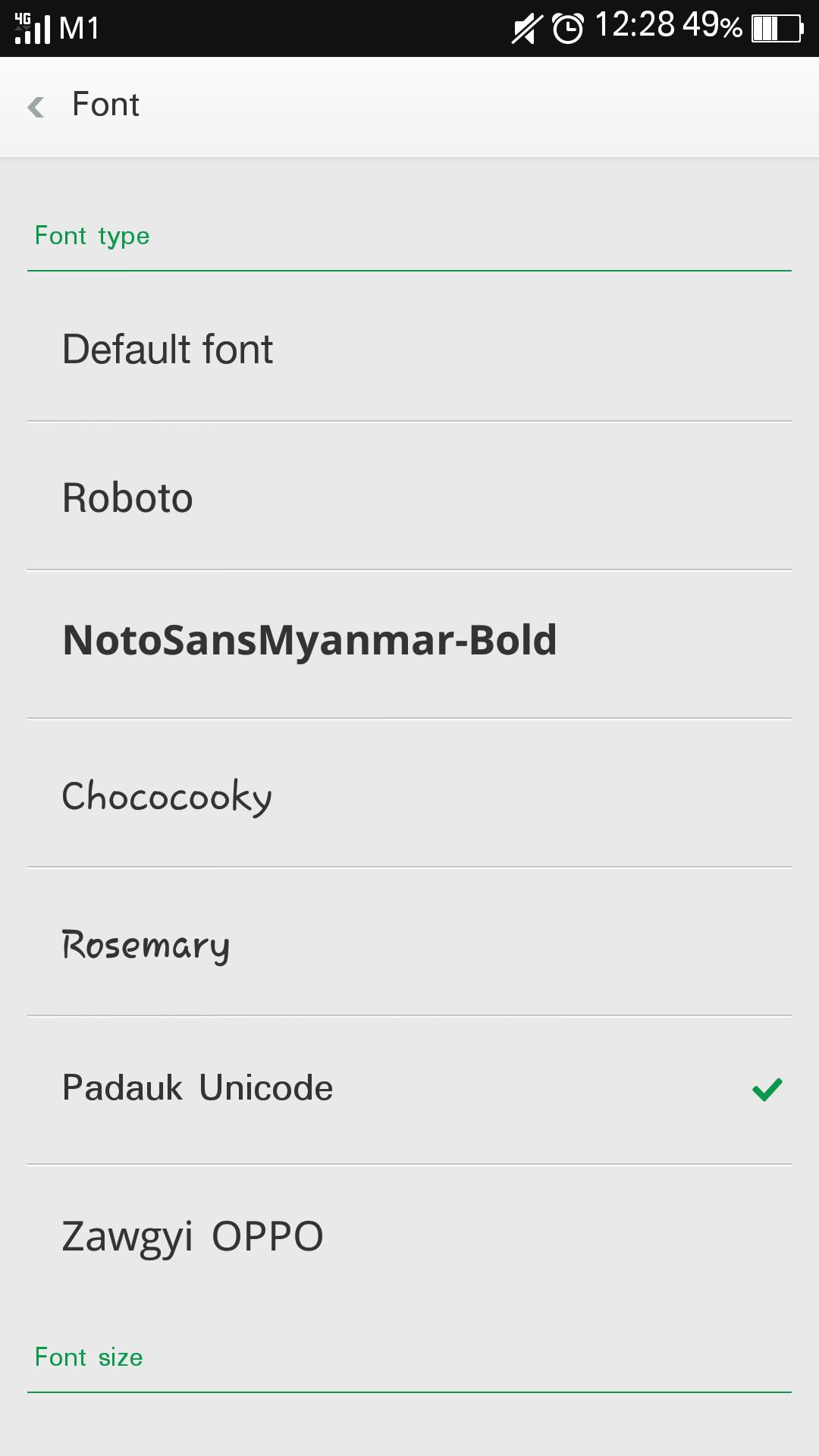
2. Settings> Display> Font Style>
Choose Padauk Unicode
3. IF Necessary, Please Switch Off your Device
and switch on Again
4.enjoy!
How to use it
*************
1. Padauk Unicode .
2. It's a good idea. Under the display below the setting of the phone
In the Font Style, select Padauk Unicode which has been entered.
3. You are a good idea. If necessary, turn off your phone and re-open power.
Note: This Font Apps for IS Only for The Devices WHICK Support The Option to Choose Font.
 Similarity
March 22, 2026

March 22, 2026
March 22, 2026
March 22, 2026
March 22, 2026

March 22, 2026
March 22, 2026
March 22, 2026

March 22, 2026
March 22, 2026
March 22, 2026

March 22, 2026