


 Download(1.57MB)
 1.3
1.3
 302.31KB
 Version
0.1
Version
0.1
 Updated on
April 13, 2026
Updated on
April 13, 2026
 Category
Business Office
Category
Business Office
 Size
1.57MB
Size
1.57MB
7.6
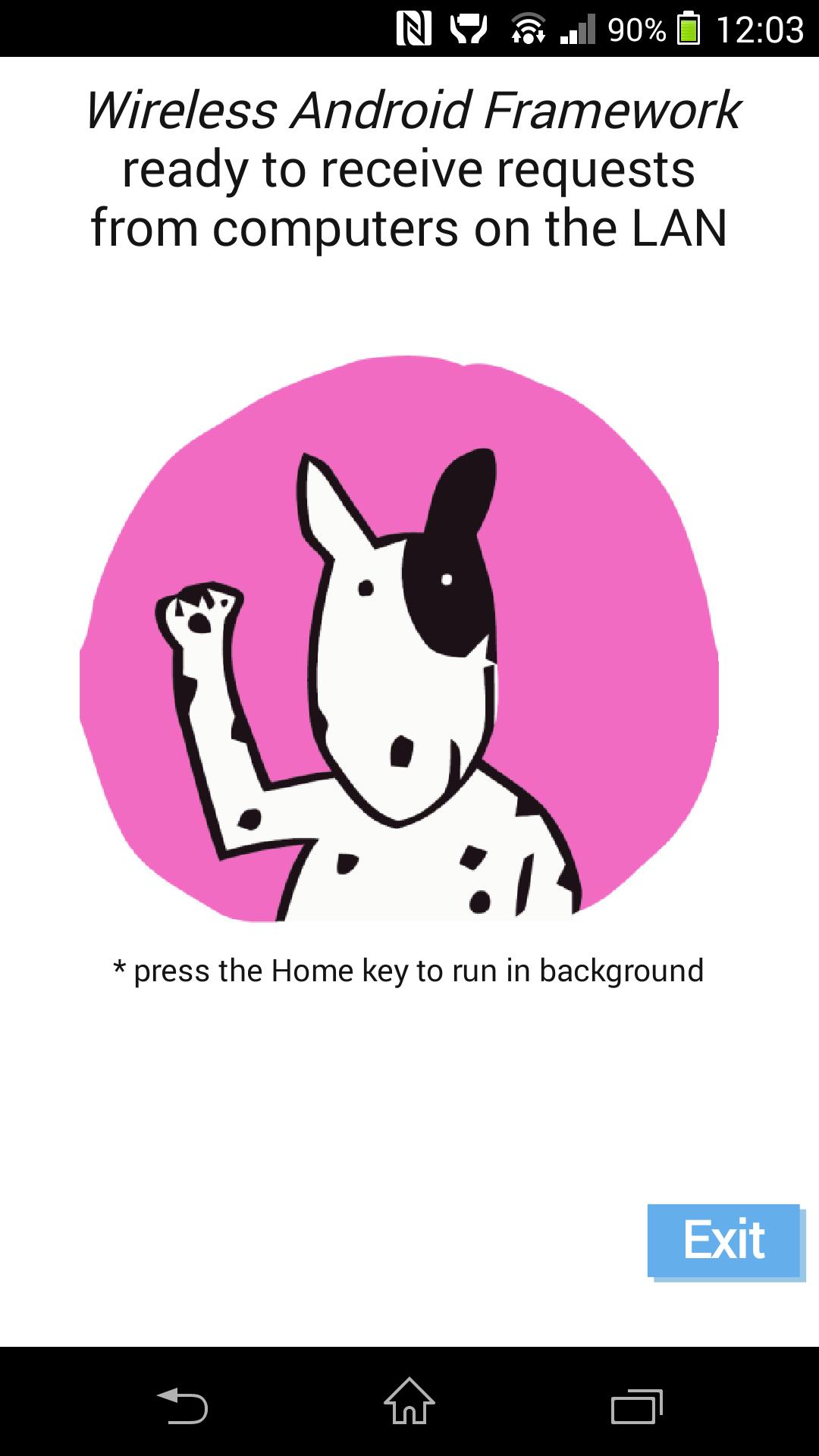
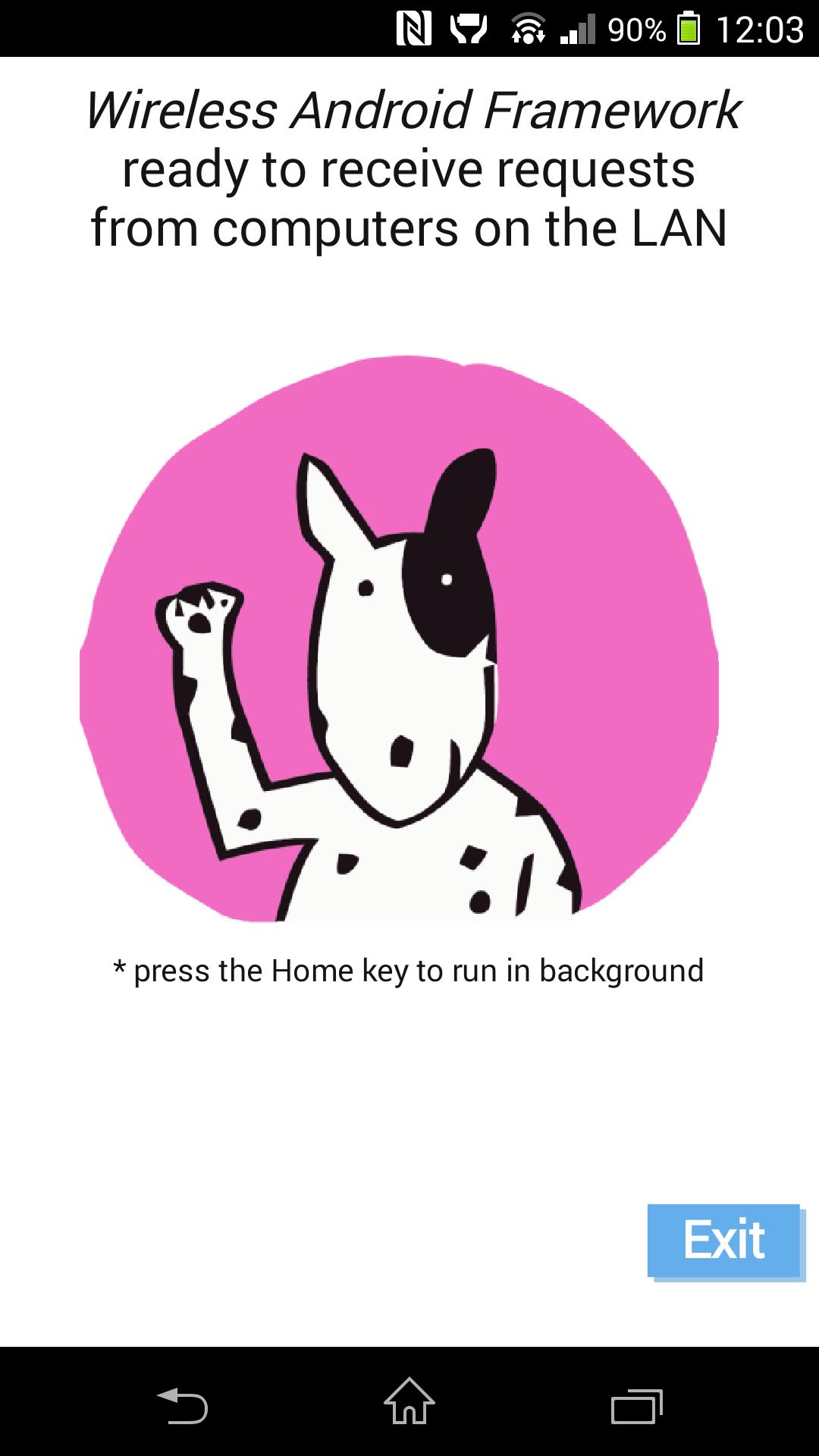
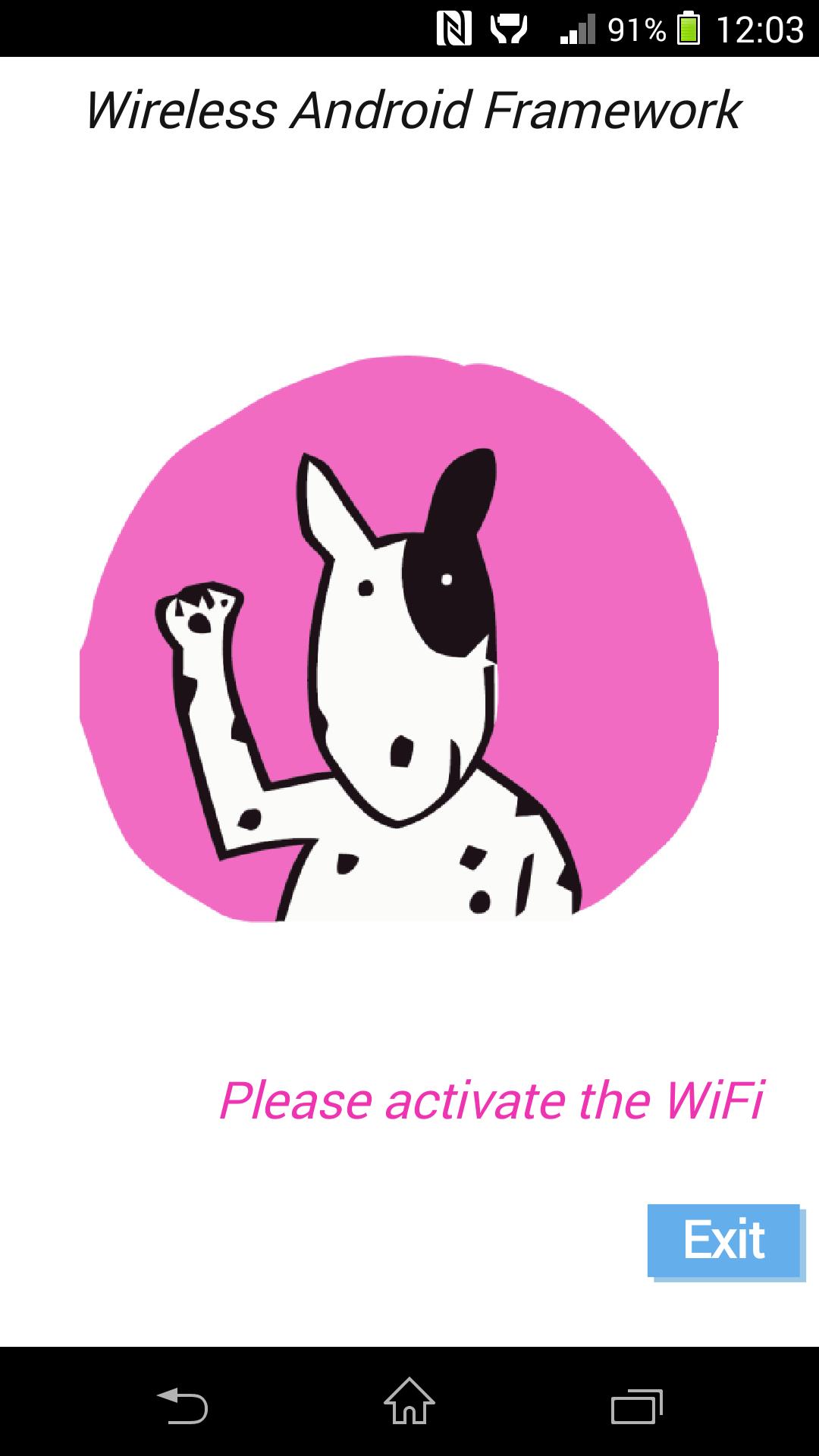
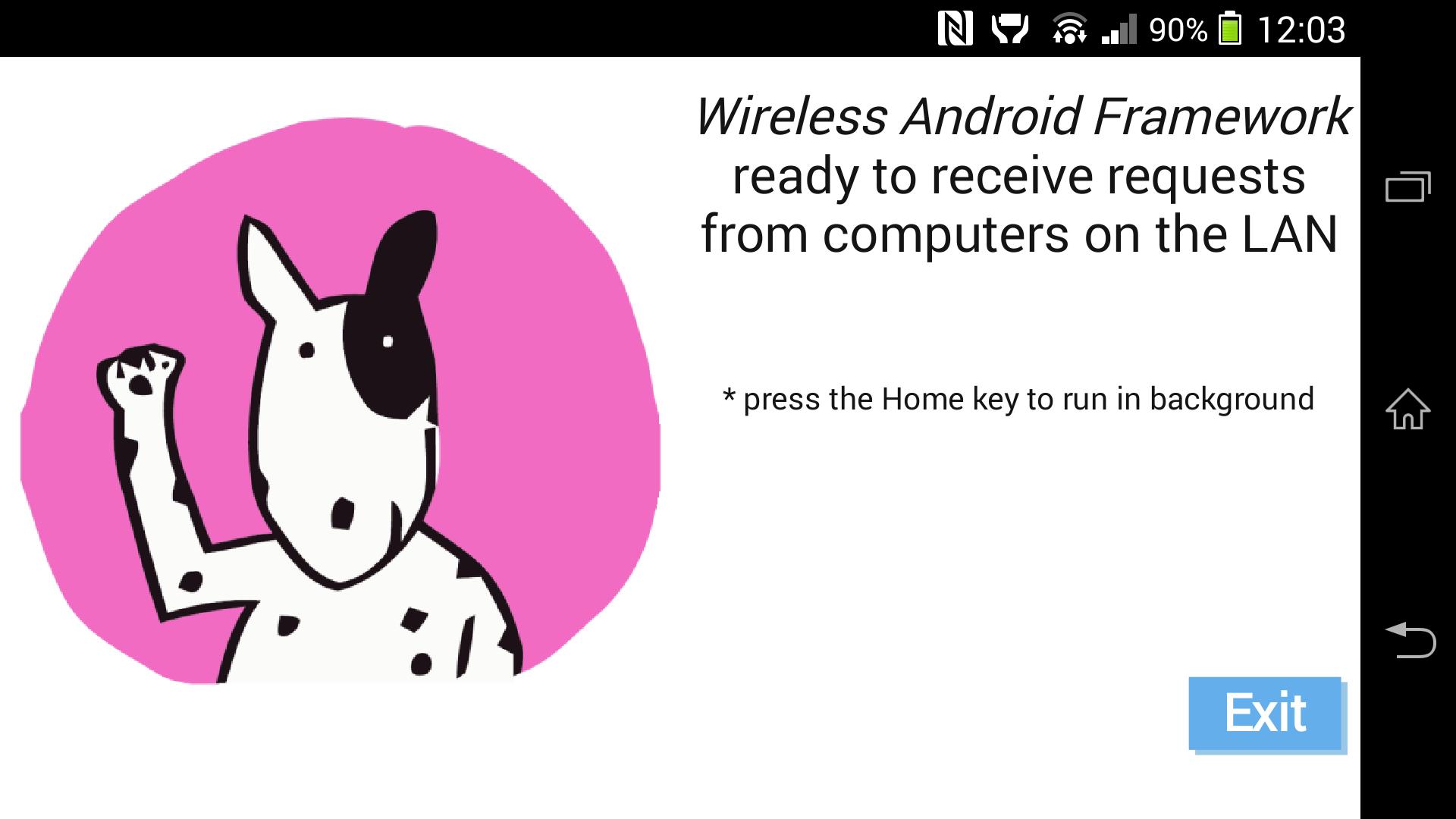
Use WAF (Wireless Android Framework) to control your Android device over WiFi
WAF (Wireless Android Framework) can do via WiFi what ADB (Android Debug Bridge) does with a USB cable.
(Android™ is a trademark of Google Inc. WAF is not a Google product nor affiliated with Google Inc.)
✔ No root needed
✔ No USB debugging mode needed
✔ No setup with a cable required
✔ No setup at all required :)
✔ No need to install ADB nor JDK/ADT/Eclipse or any developer tool on your computer
✔ Works on Android 2.1 (API 7) and higher
Just install WAF Desktop for Windows on your computer: http://mougino.free.fr/WAF.html
Then if your Android device and your computer use the same internet box, they'll auto-detect each other and you can start sending commands in seconds!
IN DETAIL
★ Easiest developer tool on the market
★ Run the Desktop app for a command prompt or an assisted script creation GUI (premium version)
★ WAF Desktop registers the .WAF extension: just double-click on a .WAF script to run it! (premium version)
★ Hit the Home key to run WAF app in the background
★ Type "WAF <name-of-command>" in your computer console
List of commands:
- devices*
- help*
- version*
- changelog
- logcat*
- install <pc-path-to-apk>*
- listapps
- uninstall <app-package>
- launch <app-package>/<.activity>
- pull <android-remote> <pc-local>*
- push <pc-local> <android-remote>*
- start-server*
- kill-server*
- shell <shell-command>*
- popup <some-text>
- vibrate <.|-| > (dot|dash|pause Morse code)
- browse <url|android-file>
* same command as ADB, check http://developer.android.com/tools/help/adb.html for a full explanation
 Similarity
April 29, 2026
April 29, 2026
April 29, 2026
April 29, 2026

April 29, 2026
April 28, 2026
April 28, 2026

April 28, 2026
April 28, 2026
April 27, 2026
April 27, 2026

April 27, 2026